설치
Codeql Cli 설치
릴리즈에 들어가 운영체제에 맞는 파일을 다운로드하면된다. 환경 변수 편집까지 수행해주자.
https://github.com/github/codeql-cli-binaries
Codeql 쿼리팩
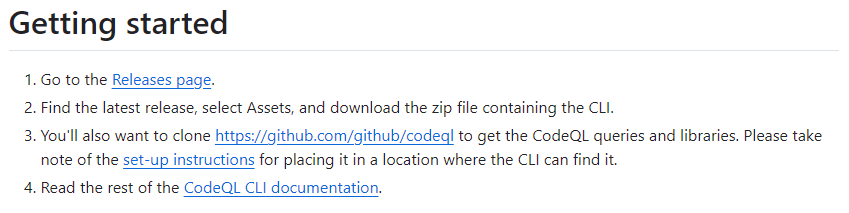
Codeql 쿼리를 사용하기 위해서는 https://github.com/github/codeql을 클론해야한다고 한다.
https://github.com/github/codeql
GitHub - github/codeql: CodeQL: the libraries and queries that power security researchers around the world, as well as code scan
CodeQL: the libraries and queries that power security researchers around the world, as well as code scanning in GitHub Advanced Security - github/codeql
github.com
쿼리가 사용가능한지 아래 명령어를 통해 확인할 수 있다.
codeql resolve packs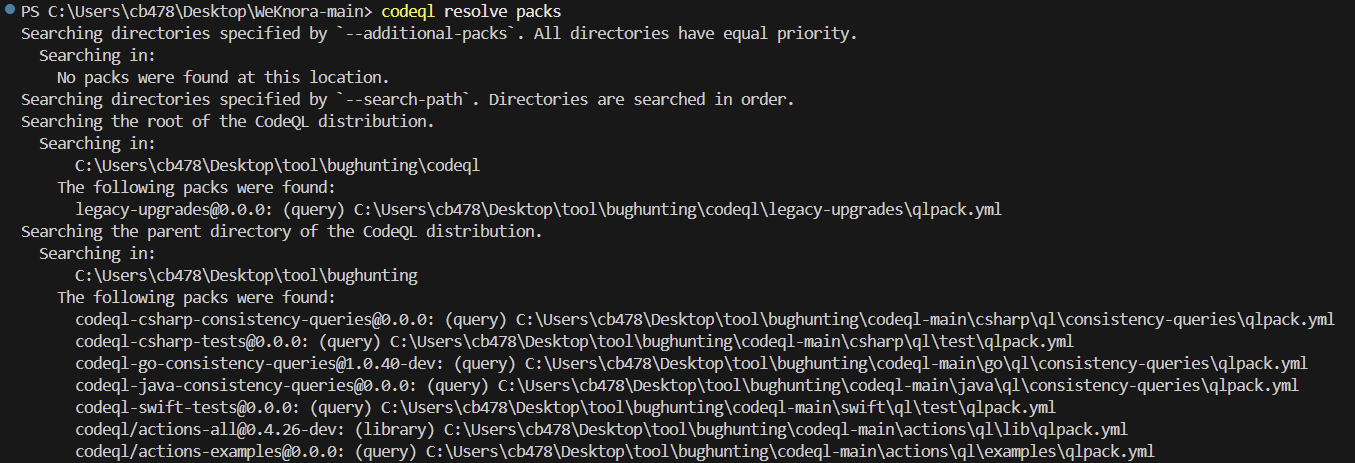
데이터베이스 생성
단일 언어 데이터베이스 생성
codeql database create js-db --language=javascript --source-root=.
다중 언어 데이터베이스 생성
$ codeql database create /codeql-dbs/example-repo-multi --db-cluster --language python,c-cpp --command make --no-run-unnecessary-builds --source-root /checkouts/example-repo-multiPreparing your code for CodeQL analysis - GitHub Docs
Before you analyze your code using CodeQL, you need to create a CodeQL database containing all the data required to run queries on your code. You can create CodeQL databases yourself using the CodeQL CLI. CodeQL analysis relies on extracting relational dat
docs.github.com
쿼리 사용
쿼리 예시
codeql database analyze js-db codeql/javascript-queries:Security --format=sarifv2.1.0 --output=js-security.sarif다중 언어 데이터베이스를 생성했다면 각각에 대해 쿼리를 실행해주어야한다.
qls 생성 예시
- queries: Security
  from: codeql/javascript-queries

- exclude:
    query path:
      - Security/CWE-020/ExternalAPIsUsedWithUntrustedData.ql
      - Security/trest/test.ql
에러가 발생할 때 문제가 발생하는 특정 ql을 빼고 실행할 수 있다. 파일 명은 `javascript.qls`와 같이 .qls 확장자를 사용해주면 된다.
실행 명령어는 아래와 같다.
codeql database analyze my-db/javascript javascript.qls --format=sarifv2.1.0 --output=go-security.sarif